How do I upload a profile?
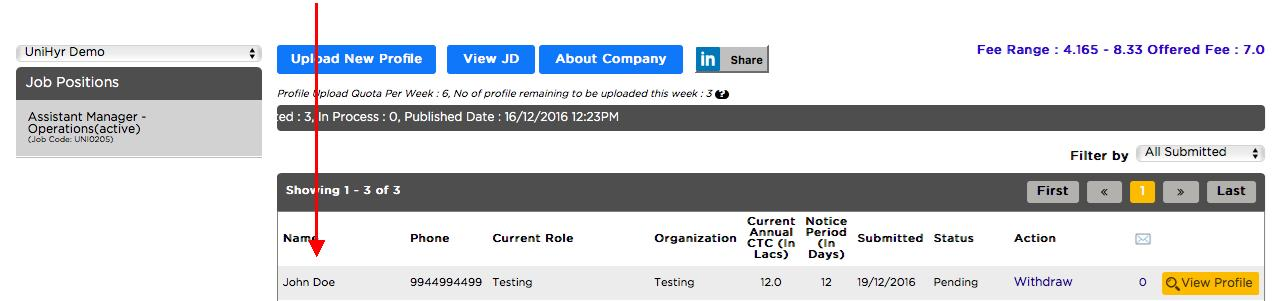
The following steps will take you through the process of uploading profiles on any role.
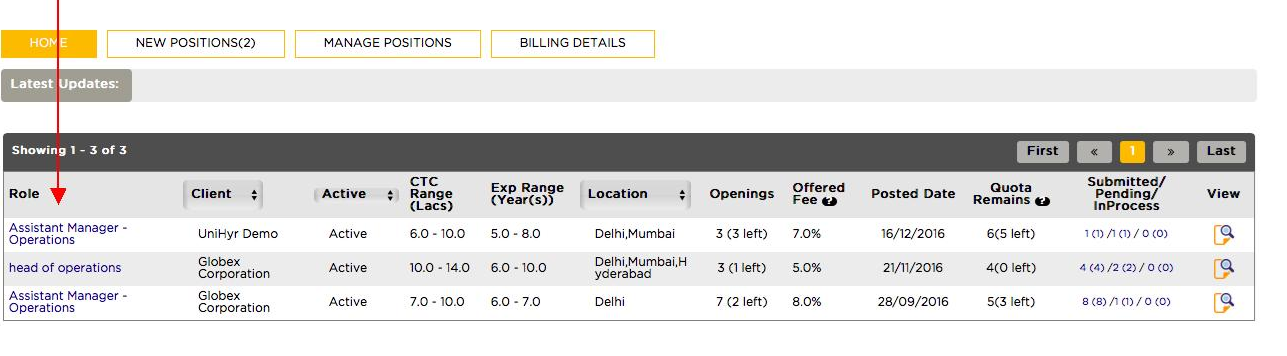
Step 1 – On your home page, select the role for which you want to upload the profile. You can filter the results on the basis of clients and location. (In this case, Assistant Manager – Operations)
Step 2 – This will take you to manage positions page.
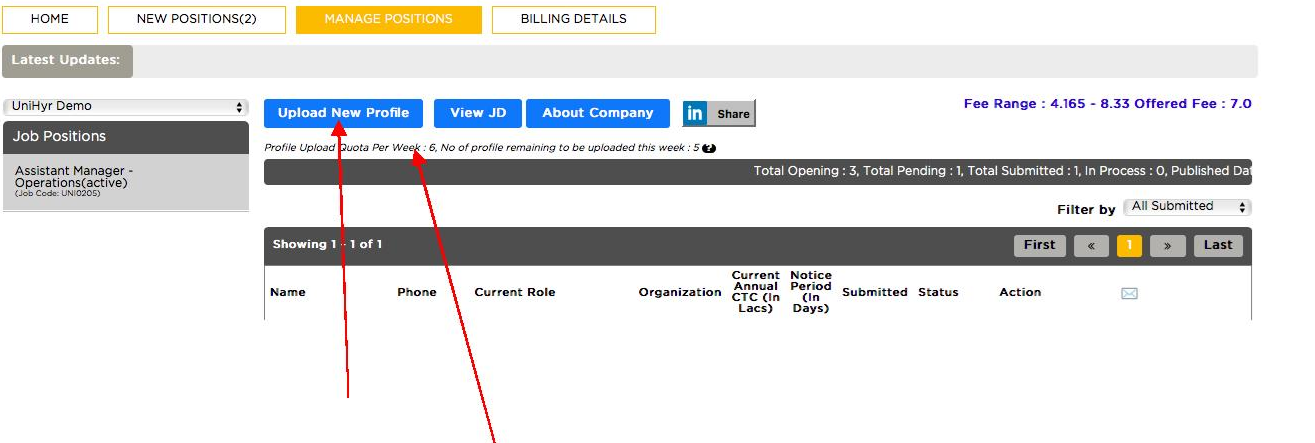
Select *Upload New Profile*
The above page also shows the Profile Quota which in this case is SIX. The Profile Quota is set by the client and limits the number of profiles you can submit every week against a particular role. The Profile Quota is reset every week. It is advisable to upload only relevant and high quality profiles to improve your shortlisting ratio.
Step 3 - Fill in relevant information. These details should be accurate and up to date.
The Duplicity Check ensures that all profiles being submitted on the platform are unique by cross checking candidate name, number, email address and D.O.B.
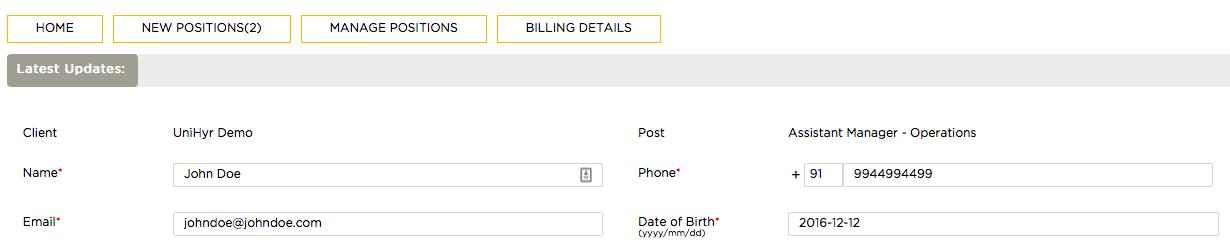
Step 4 – After filling in necessary details, click on upload.
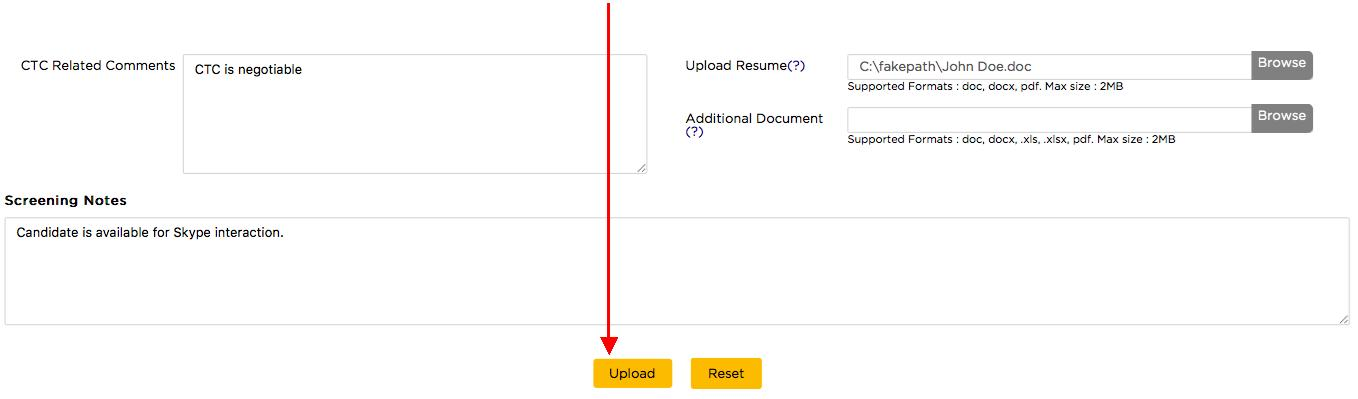
You can attach the resume and any additional document on this page as well. Also, any CTC related comments or screening notes can be specified as well.
Using screening notes is highly recommended. Use it to showcase candidate’s achievements and suitability for the role. This increases his chance of being shortlisted.
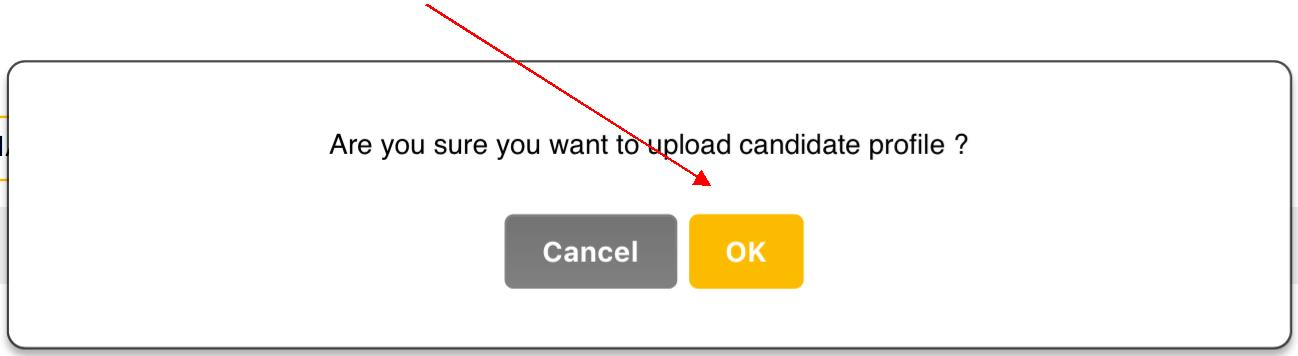
Step 5 – Confirm by selecting ok.